
Intro
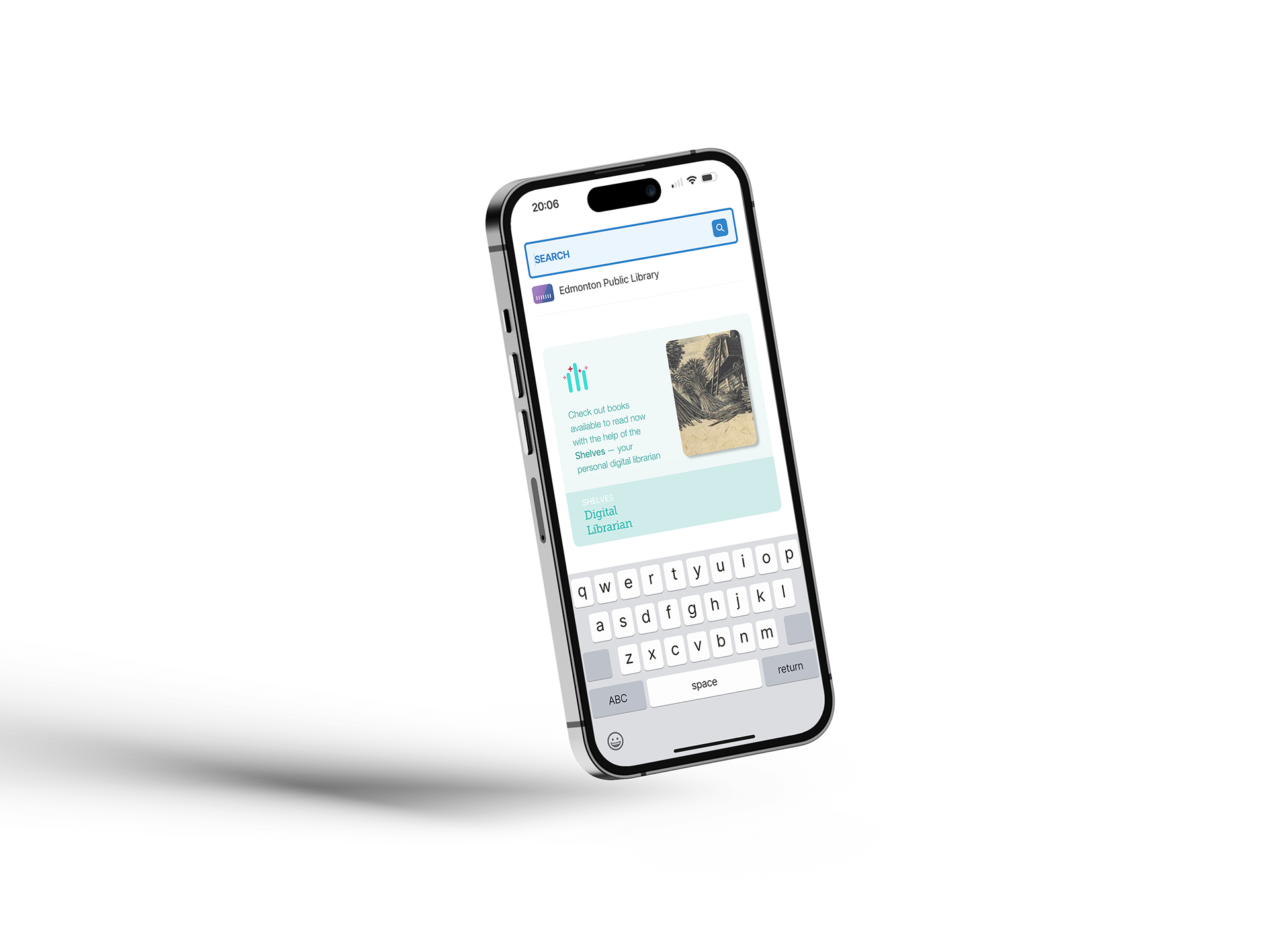
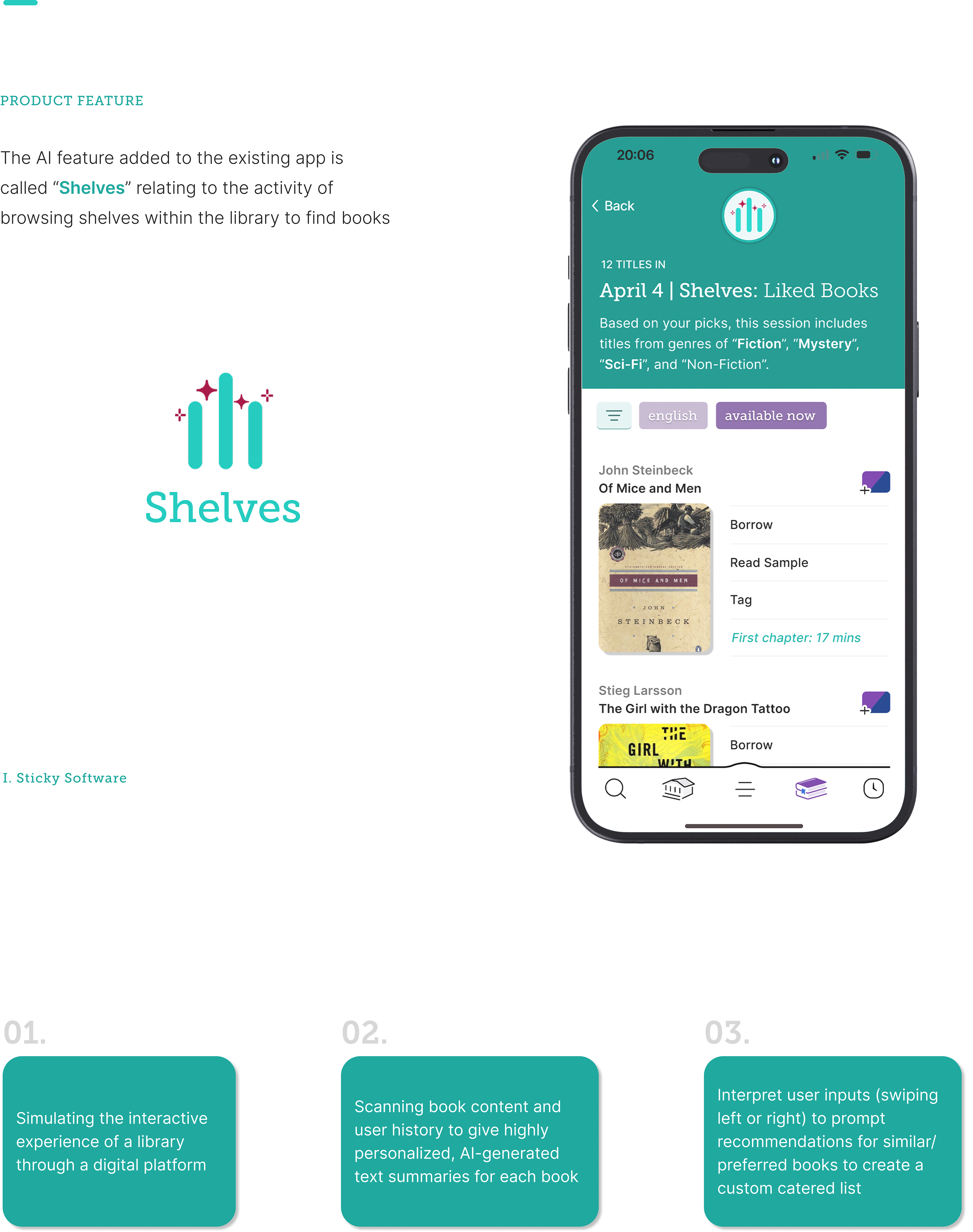
Shelves, the proposed AI feature for the Libby app, scans book content and user history to provide personalized book summaries, interpret user inputs to generate custom recommendations, and simulate the interactive experience of a library through a digital platform for readers.
•••
Case Study (Research)
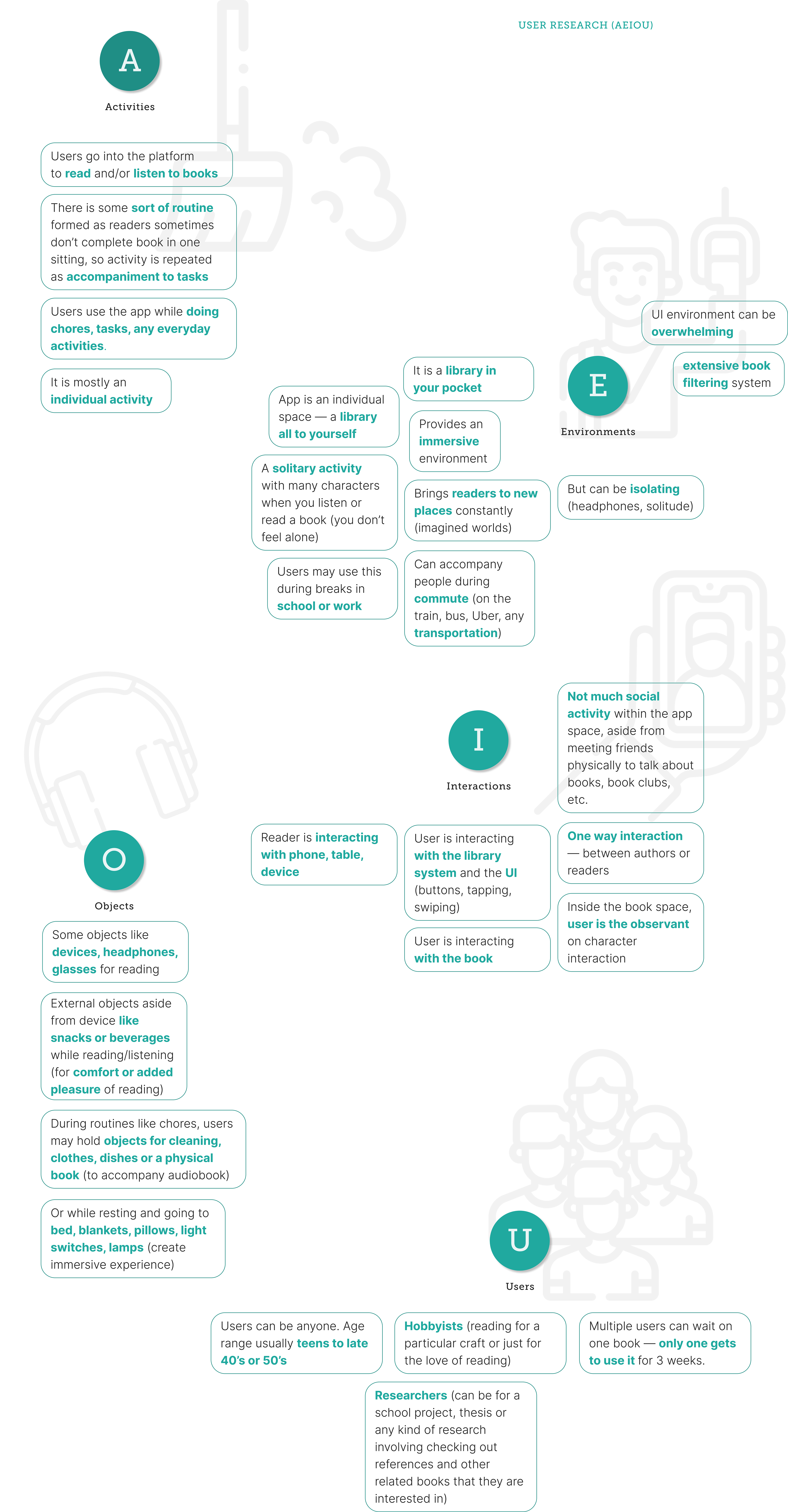
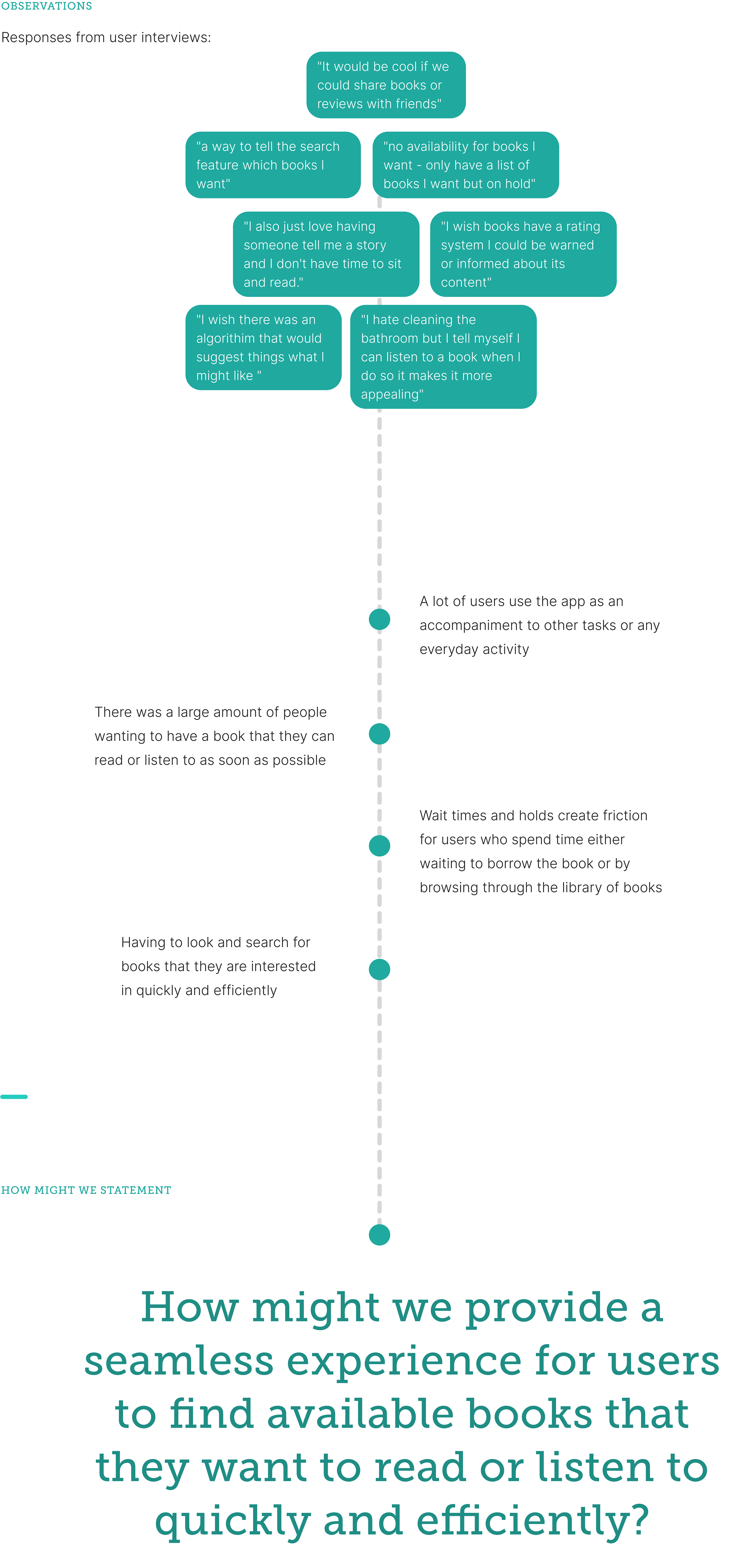
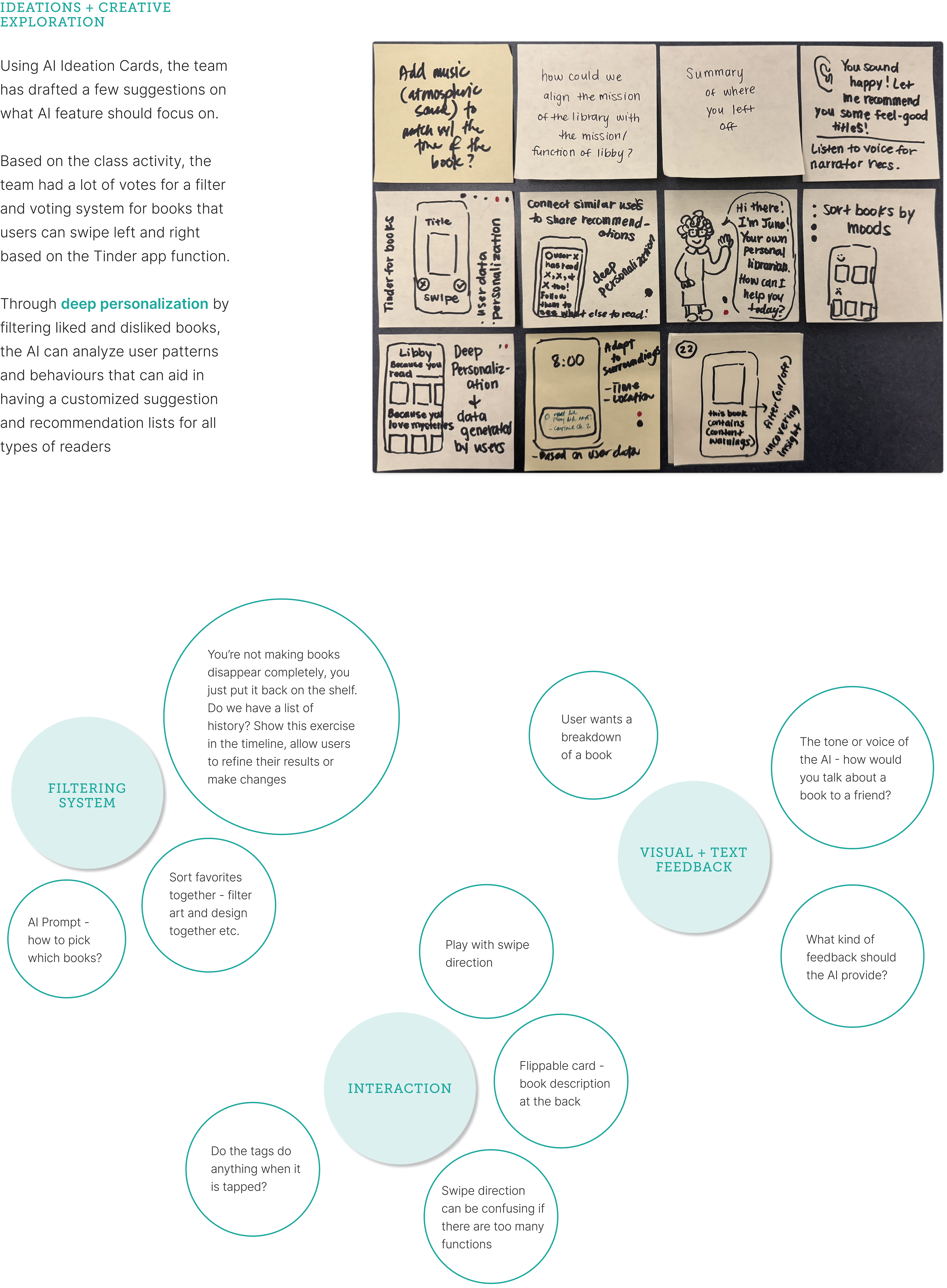
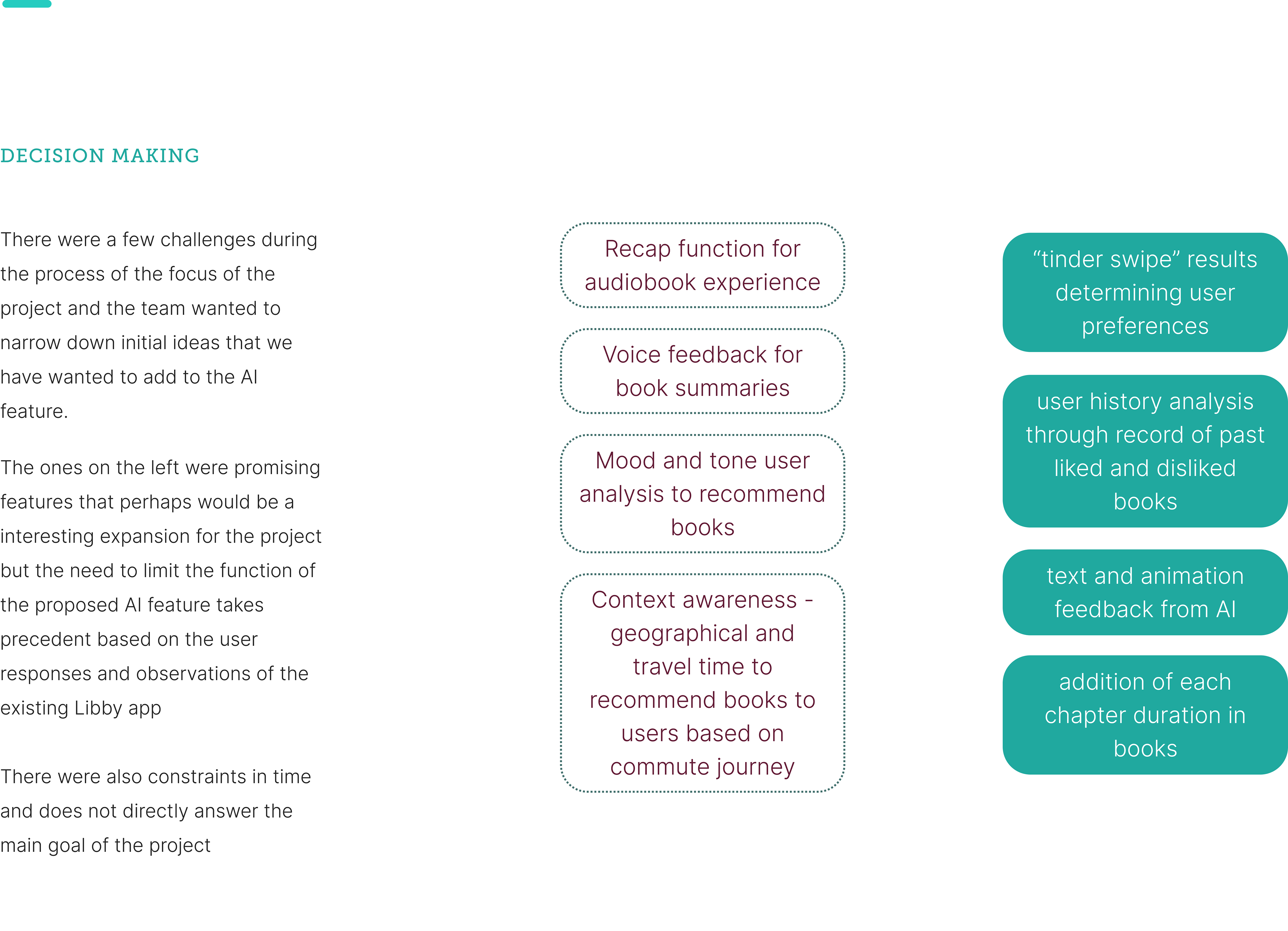
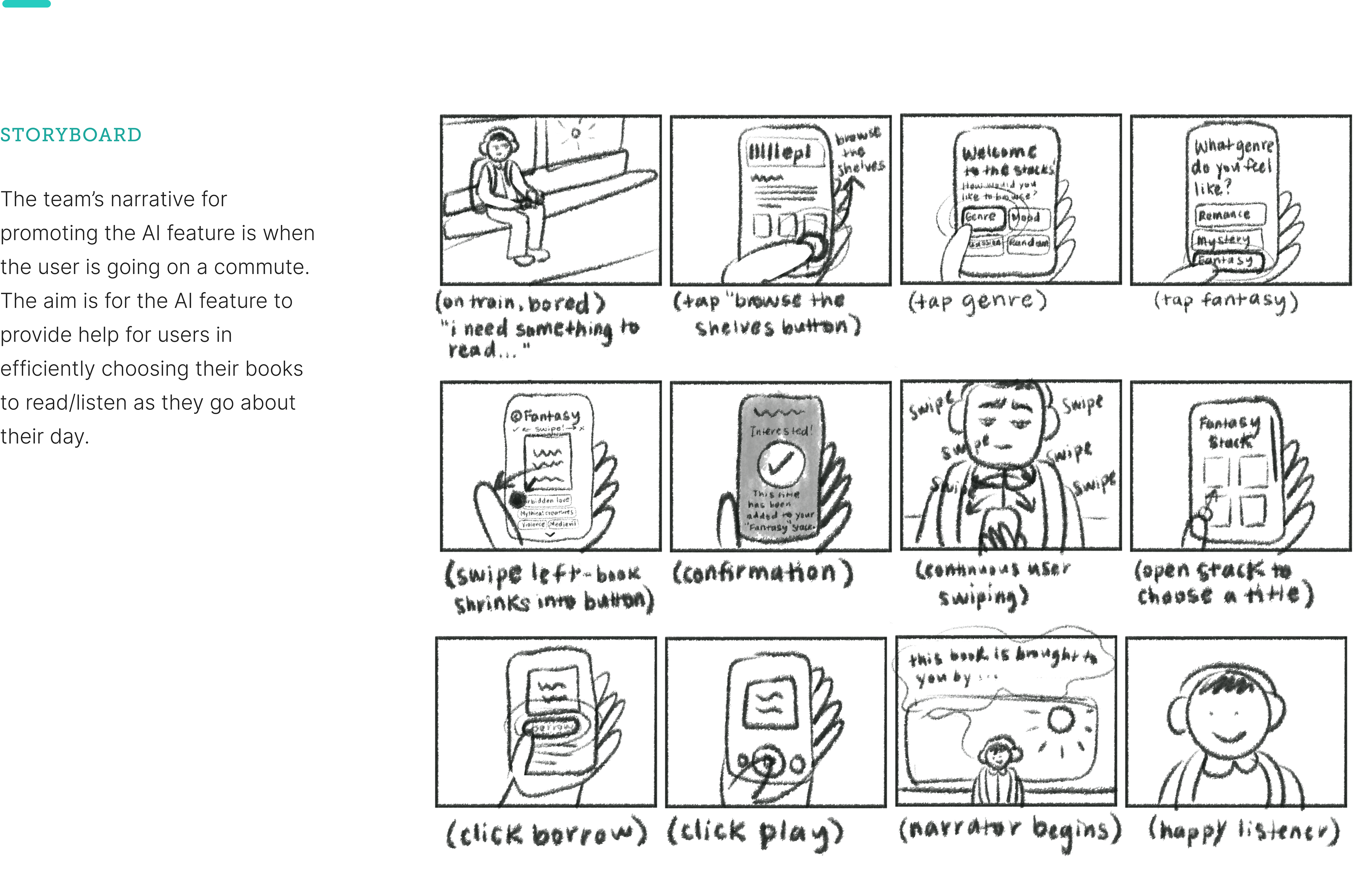
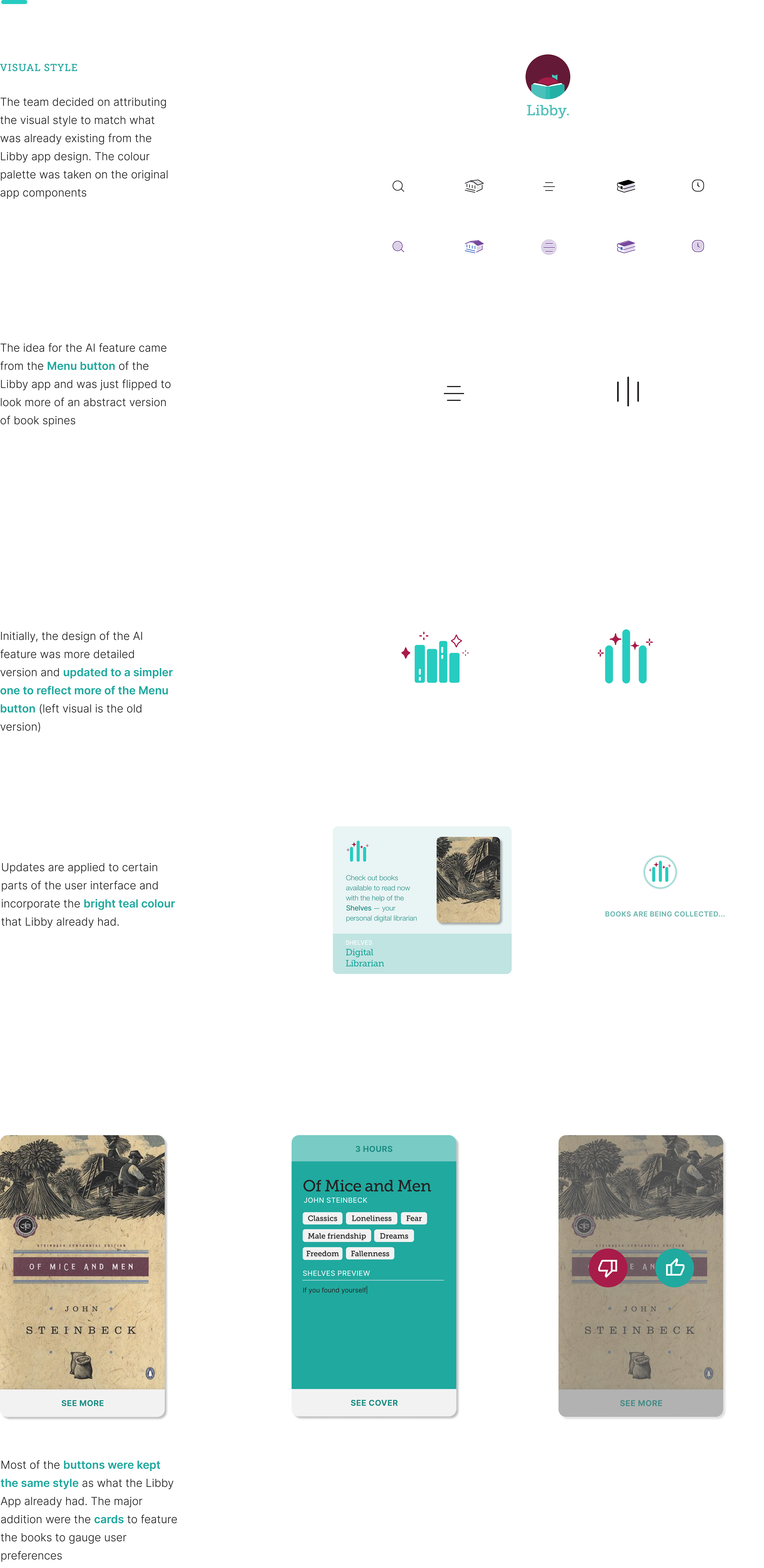
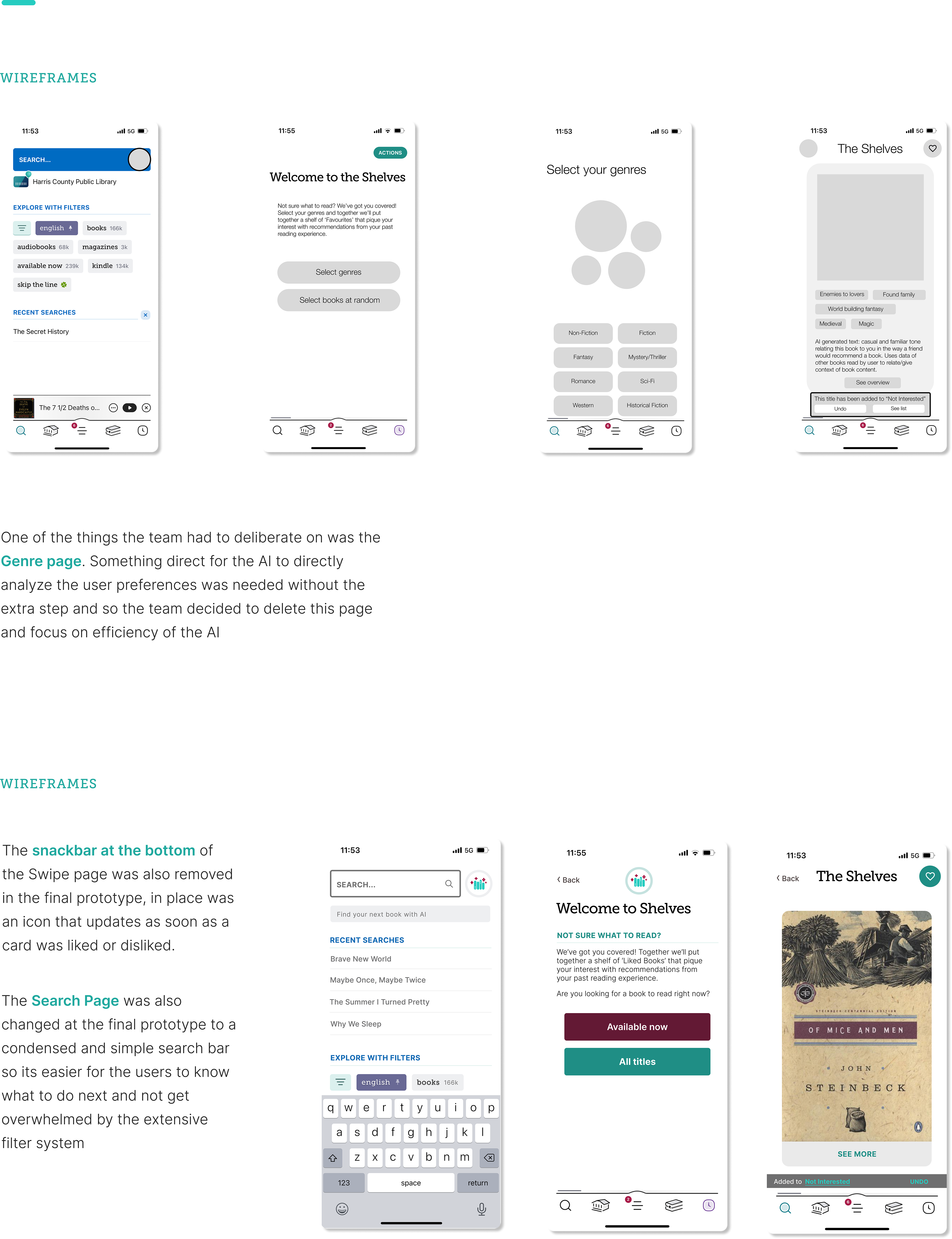
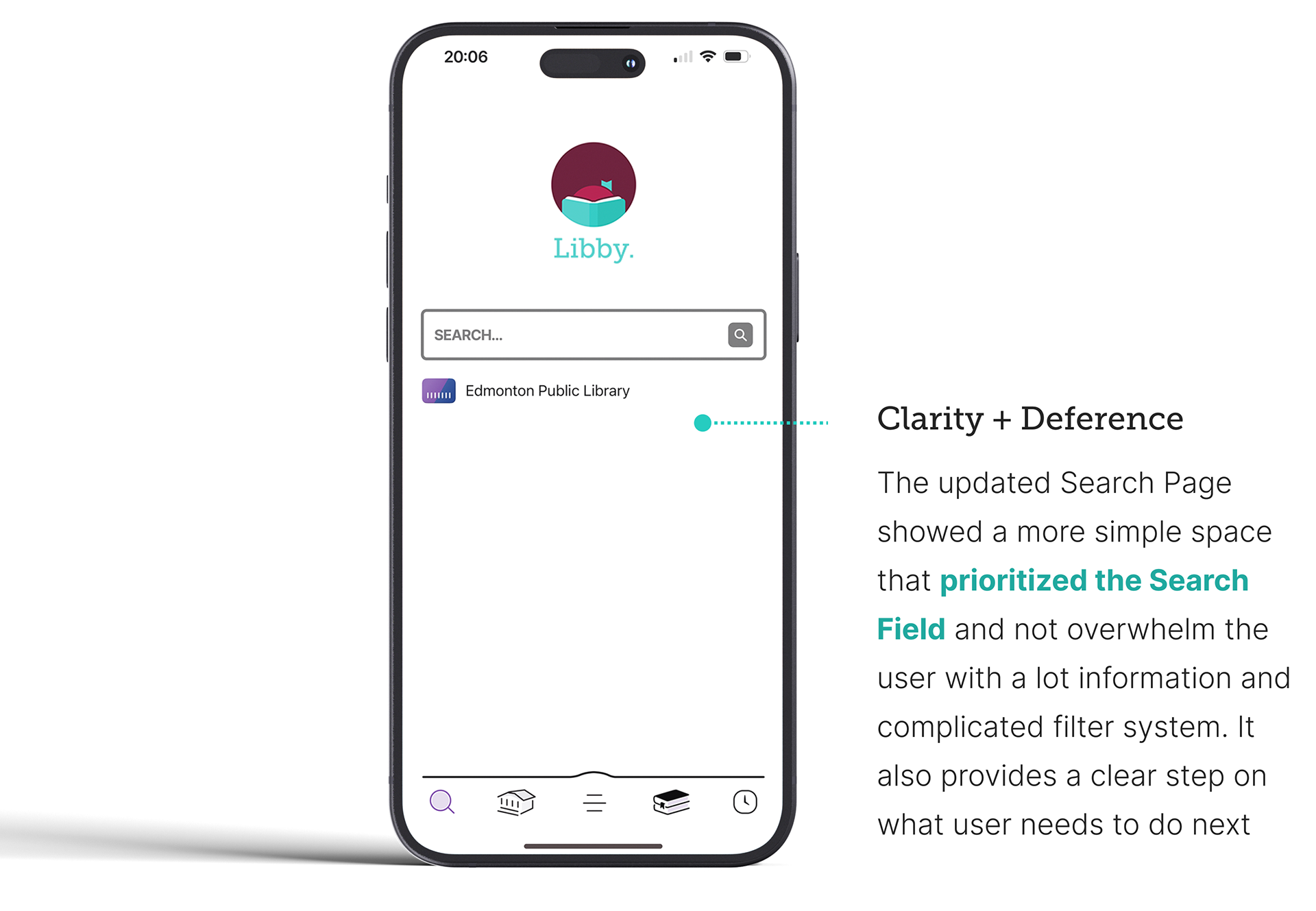
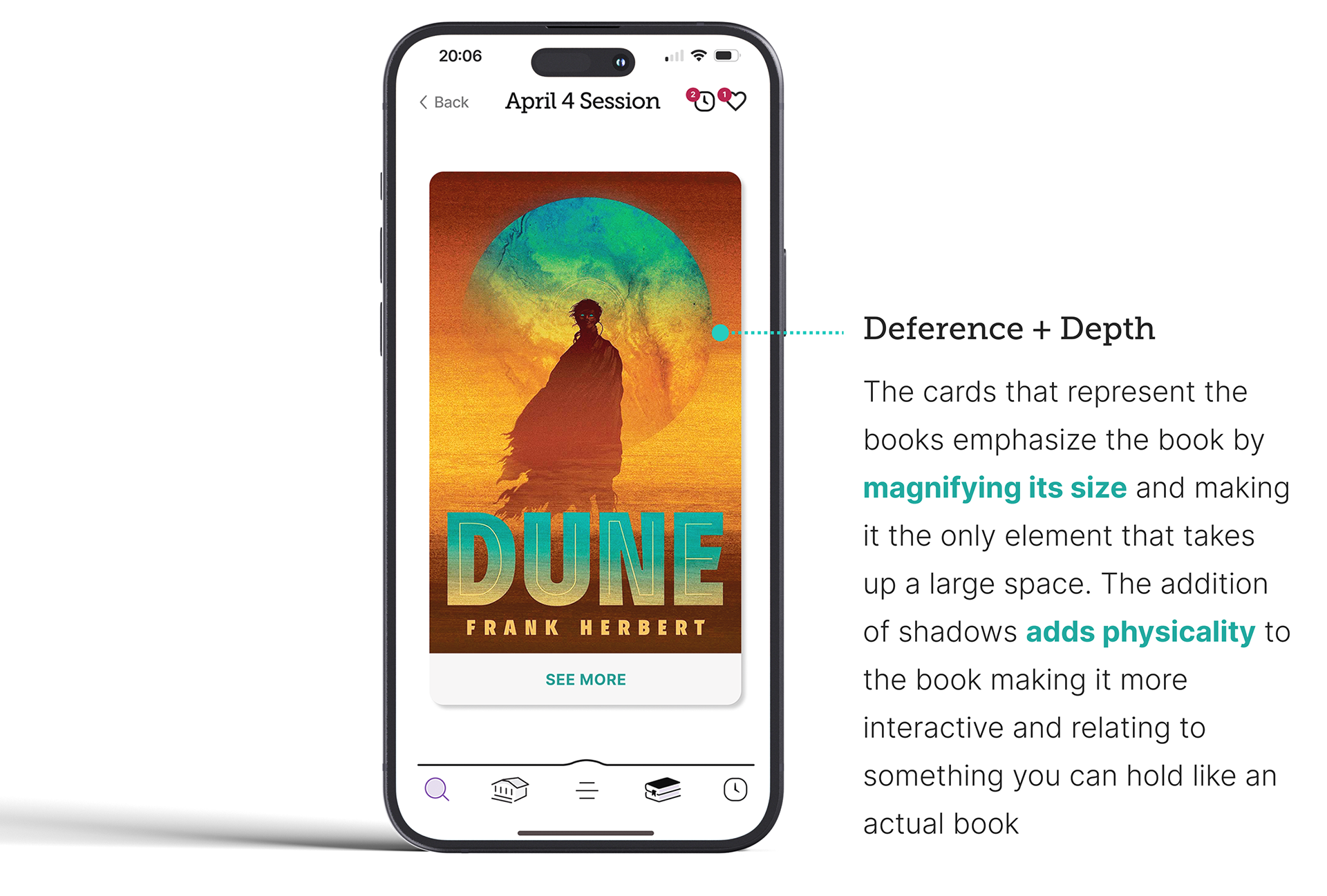
Below is the case study research conducted by the group from user research (taking user feedback from Libby app and getting their takes on what would be a "need" for them to effectively use the app) to using A.I. ideation categories to create an added product feature through wire framing and prototyping. Included are the visual style tile for the AI feature and a look at its proposed possible capabilities.
Lessons + Takeaways
Below are my own lesson's and takeaways from the project
A.I. Ideation
One of the things that really helped a lot in thinking about ideating AI capabilities were the ideation cards. It was a great resource to contextualize and give definition to AI abilities that I wasn’t aware before the project. I think it is a great tool to start off of when thinking about tasks that you may want the AI to aid the users on. The thing that was exciting for me is ideating possibilities on what the AI can do for the users
Focus & Direction
One of the challenges we faced was keeping focus on a specific goal, like the prior observation earlier, the sticky software (plethora of improvements that could be created with A.I.) was good at grounding the team’s goals and I found clarity whenever we go over the user workflows and what process the user does in order to know how the AI components and tasks are going to be added within the UI.
A.I. Features
I was intimidated and had only minimal knowledge of AI, going through project made me learn a lot took some resources from the lectures which were very helpful. I learned a lot from AI’s representation and how it can be used in future projects and applied into different design fields that I am also interested on.
Programs used: Figma | Adobe Premiere Pro